
Aboveit with a fully booked Figma workshop at Yggdrasil
.avif)

Advanced Prototyping in Figma
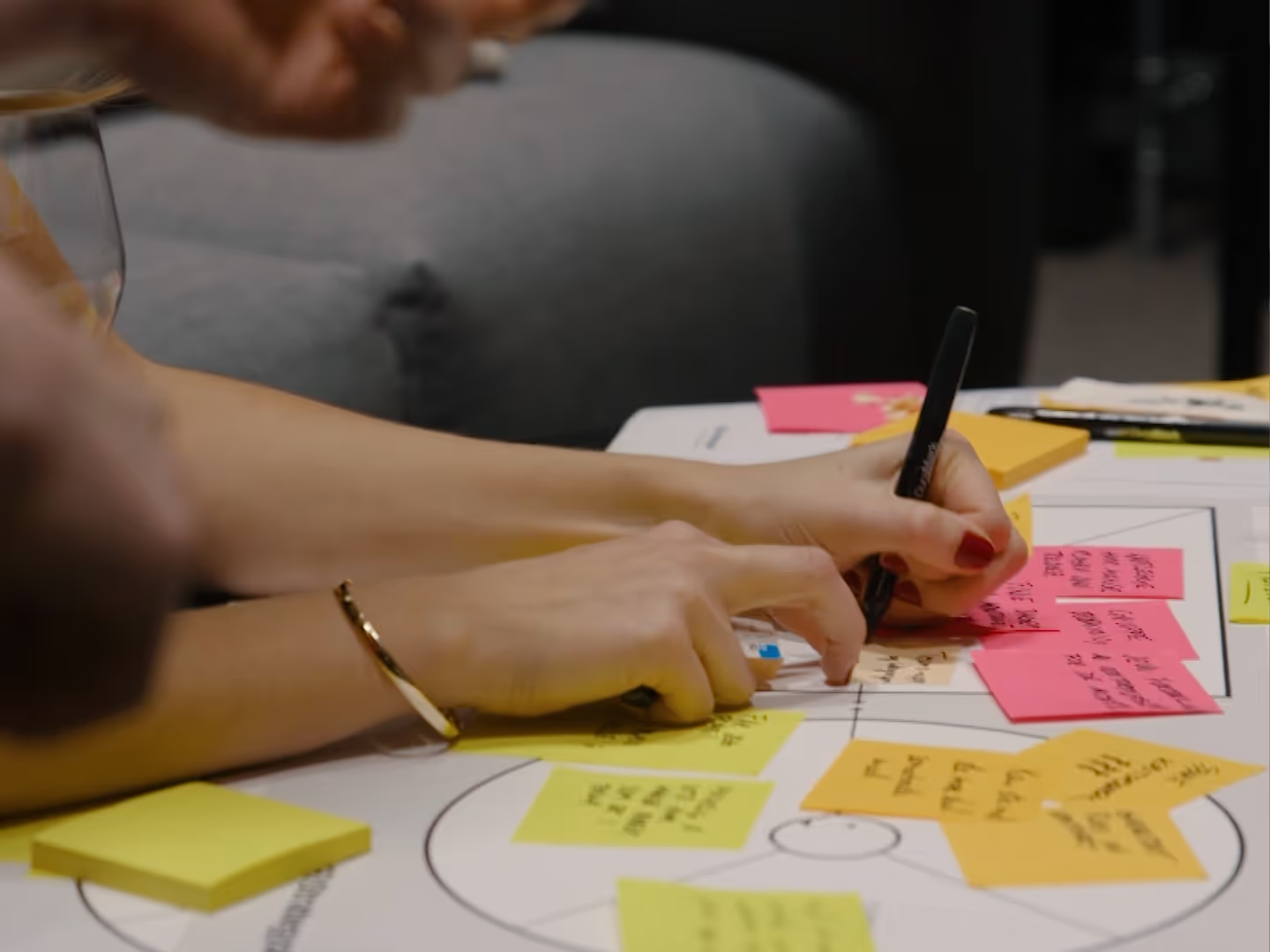
At the Yggdrasil Conference, our very own Johan Felix Tschudi offered attendees a comprehensive workshop. Here, they learned how to master advanced prototyping in Figma using the new and exciting feature: Variables.
Provides better insights and structured files
Workshop instructor Johan works as a UX / UI Designer at Aboveit, where he is also responsible for design systems. Johan uses Figma daily to design websites, apps, set up design systems, and create interactive prototypes for clients. Flexible file structures that facilitate scalability and rapid iteration are something Johan is passionate about. That's precisely why he finds variables to be an interesting feature in Figma. Variables can make prototypes more realistic, as they allow users to interact freely and naturally. This enables designers to collect more objective data during user tests, as we don't subconsciously influence user choices by limiting interaction possibilities.
«We received incredibly positive feedback after the workshop, which shows there's great interest in this topic. Figma constantly releases new functionality that improves workflow and collaboration between developers, designers, and stakeholders. It's important to stay continuously updated to avoid being overwhelmed by too much to learn at once.»
.avif)
Johan's three tips for using variables:
It's not always practical to set up advanced prototypes with variables, but most often, it's very useful. Here are Johan's three best tips for when you should consider using variables in your prototype:
- Repetition of user information throughout the user journey: If you want to display information that the user has previously provided at multiple points in the user journey (for example, a profile picture chosen during onboarding that is later shown on the profile page), variables can streamline and enhance the user experience.
- Reduction of duplicated screens: If you find yourself duplicating screens solely to change the content, but not the structure, variables can save you time. By using variables, you can maintain the same screen structure and only change the content based on variables. This leads to fewer screens and cleaner working files.
- Dynamic outcomes based on user interactions: If you want user actions to lead to different outcomes based on previous interactions and fulfilled conditions, without having to create unique screens for every possible outcome.
Need professional development or courses?
We can help you!
With us, you'll find skilled experts who can provide courses on topics such as Figma, strategy, IT, communication, design, and much more.
Get in touch and tell us what you need, and we'll tailor the course for you.
More updates

Sarah Serussi blir ny teamleder i Trondheim: – Hun forstår hvordan man bygger et team
Vi har gleden av å dele at Sarah Serussi er på plass som ny teamleder i Aboveit Trondheim.

Aboveit among Norway's best in the Norwegian Championship in AI 2026
Four Aboveit developers competed in the Norwegian Championship in AI 2026, and all four finished among the top 10% of 3,000 participants.

Dynamics 365 CE or custom-developed software – what's best?
Should you choose Dynamics 365 CE or build your own software? We at Aboveit share the pros and cons of both approaches – and advise on how to find the solution that provides the most value for your business.
From structure to flow
Are you running many initiatives but seeing little progress? With Flight Levels, you get clarity, focus, and improved flow – without implementing large frameworks. A practical approach to agile development for the entire organization.